
Geofencing for attendance: how to design boundaries that hold up
What geofencing can prove, what it cannot prove, and how to draw boundaries managers and employees can actually defend.
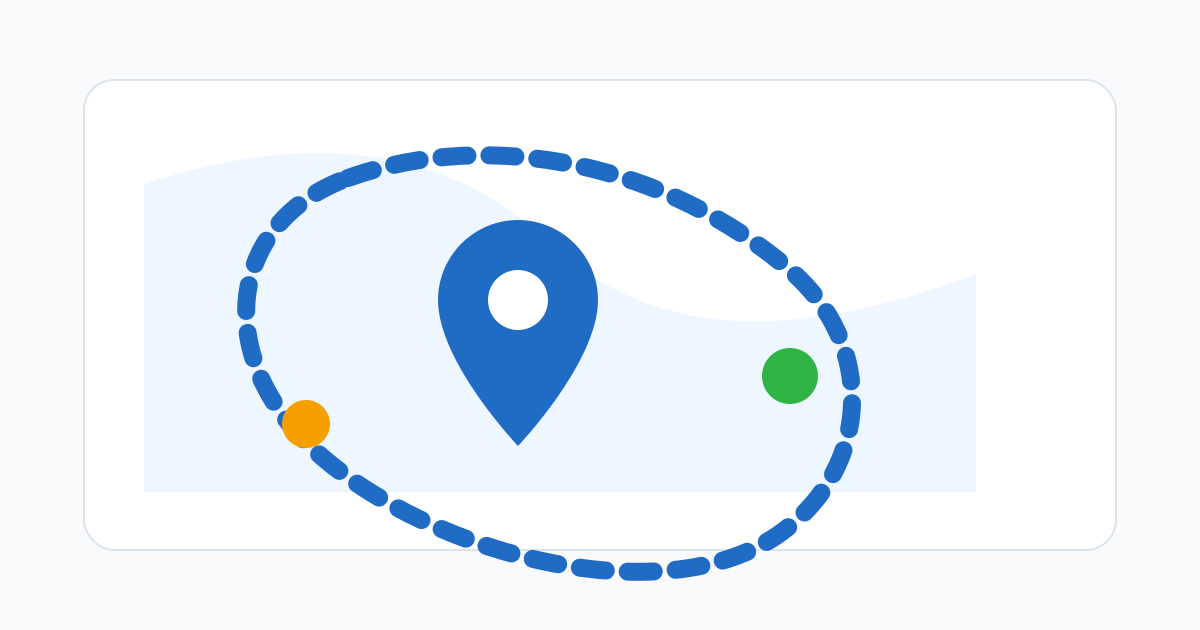
Use geofencing as context, not as a verdict
Geofencing is most useful when it answers a narrow question: was the employee close enough to an approved work location when the punch was made. It should not be treated as a complete picture of productivity, effort, or intent.
That distinction matters. Location context can support an attendance decision, but it still needs schedule rules, employee records, and manager judgment. A geofence is a signal, not a sentence.
Draw boundaries that match real workplaces
A boundary should reflect the real workplace. Tiny geofences create false failures at entrances, parking areas, large facilities, and buildings that block GPS signal. Oversized geofences reduce confidence because they approve punches from places that are not meaningfully at work.
For a small storefront, a 50-metre radius can fit fine. For a warehouse, hospital, or campus, you may need 150 metres or more — or a polygon that traces the actual site. For field teams visiting customer locations, the boundary should match the practical arrival zone, including parking, loading bays, and waiting areas.
The practical goal is a boundary that employees can understand and managers can explain.
Account for GPS reality
Phone GPS is not surveying-grade. Accuracy depends on the device, the weather, nearby buildings, indoor conditions, and whether location services are warmed up. A boundary that looks tight on a map can fail near doorways or under cover.
When configuring a site, test it in person. Stand at the front door, at the loading dock, in the staff parking area, and inside the building where employees usually punch. If GPS drifts by 30 metres in any of those spots, a 25-metre radius is going to frustrate honest employees every shift.
Decide what happens at the edge
The most important design choice is what happens when a punch lands outside the boundary. Three patterns work, and they fit different businesses:
- Block. The punch is refused entirely. Useful only when location is genuinely required — a secure site, a contract obligation, a safety-controlled zone. Blocking creates payroll problems if the employee really did work.
- Flag. The punch is recorded as an exception and routed to a manager. The time is captured; approval is the human decision. Good default for most teams.
- Ask. The employee is prompted for a short reason. The note travels with the punch into the manager review queue.
Most teams should flag, not block. Flagging preserves the record, lets payroll see the work happened, and gives the manager the context to decide.
Pair boundaries with a clear review standard
Geofencing fails when one manager treats every exception as misconduct and the next treats every exception as a non-event. Write a simple review rubric: how to read a one-off GPS drift versus a recurring off-site pattern, when to ask for a note, when to escalate. Apply it consistently across teams.
The system can surface exceptions, but only humans can keep the standard fair.
Communicate the boundary before the first punch
Employees should hear about geofencing before they are asked to use it. Explain three things in plain language: when location is checked, why the company checks it, and what the company does not use it for. If you handle the conversation well at rollout, you spend far less time defending the policy later.
Where geofencing fits in the bigger picture
Geofencing works best when it is one piece of a payroll-ready workflow rather than the whole story. Schedules, approvals, correction requests, and audit trails do most of the work; the geofence just keeps location honest at punch time.
For a closer look at how to put the privacy boundary in writing, see the companion post on geofencing attendance and employee privacy. For a wider view of attendance setup for a small team, see the employee attendance tracking guide.
Related posts
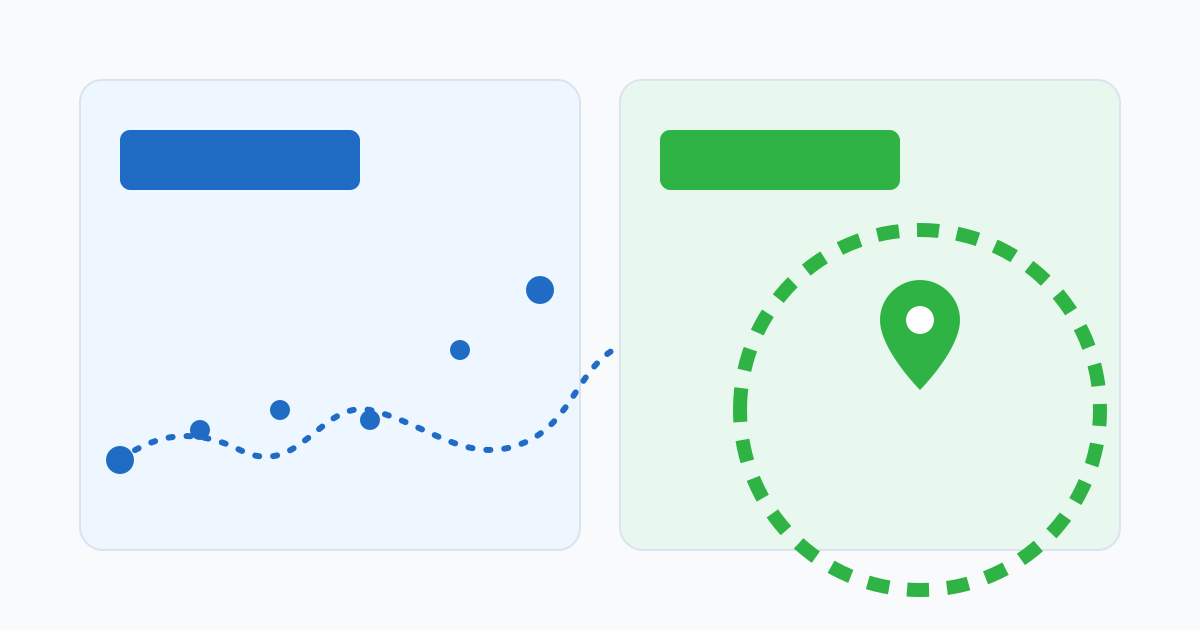
GPS time tracking vs geofencing: which one your team actually needs
The difference between continuous GPS tracking and punch-time geofence checks, and how to pick the right one without over-collecting location data.
Geofencing attendance and employee privacy: a practical balance
How to use geofencing for attendance verification without turning time tracking into a surveillance experience.
Getting a Business Loan as a Freelancer: Why Time Records Matter More Than You Think
A lender reviewing a freelancer's income doesn't see a salary. They see irregular deposits and gaps. Time records are one of the few things that turn that picture into a readable business history.