
What to Do When Your Hours Don't Match Your Paycheck
You logged 43 hours. The payment covers 40. Nobody says anything until you do. Here's how to identify the gap, document it cleanly, and have the conversation without it turning into a dispute.
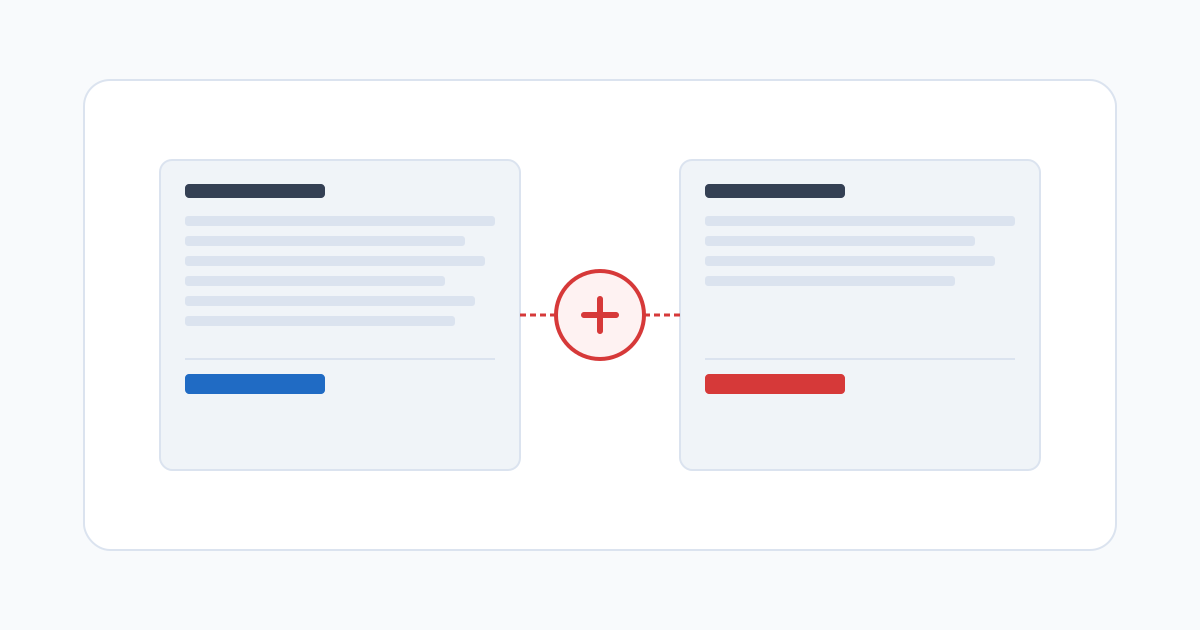
The specific frustration of a time-to-pay gap
It’s a particular kind of problem: the math doesn’t add up and nobody brought it up. You sent an invoice for 43 hours at your agreed rate. The payment arrived, and when you checked it against the invoice, it covered 40 hours. The difference is €225. The client didn’t mention it. They didn’t ask questions. They just paid less.
This happens often enough that it has a name in payroll circles — a time-to-pay mismatch. And the most common version of it isn’t fraud. It’s a rounding rule you didn’t know existed, a rate that got applied incorrectly, a session that fell outside a billing window the client uses but never told you about, or a platform that silently caps daily hours at eight.
The frustrating part is that without a clean record of your own, the conversation starts from a position of uncertainty. You know the number is wrong. You can’t easily show why.
The most common reasons freelancer hours don’t match payment
Platform and tool rounding. Some payment platforms apply automatic rounding to time — down to the nearest quarter-hour, sometimes down to the nearest half. If your session ran from 9:07 to 12:52, that’s 3 hours 45 minutes. Rounded down to the quarter-hour, it becomes 3 hours 45 minutes — no loss. Rounded to the half, it becomes 3.5. Across a full month of sessions, those small losses accumulate.
Scope interpretation differences. The client believes certain sessions weren’t billable — because they fell within a revision window, a warranty period, or a scope definition that was never formally agreed. You expected to be paid for them. Neither of you wrote it down at the time, and now you’re disagreeing about what the contract meant.
Rate confusion mid-project. A rate change was discussed but not confirmed in writing. The client applied the new rate from a date earlier than you expected. The difference shows up in the final total and neither party is sure which version of the agreement governs.
Sessions that didn’t sync. If you use a tool that syncs to a client portal, occasionally sessions get lost — a connectivity issue, a submit that didn’t register, a session that was logged on your side but not received on theirs. Nobody flagged it because nobody was cross-referencing.
How to catch a mismatch before it becomes a dispute
The most reliable check is to verify your own total before you invoice. Close your time record for the period, confirm the session total matches what you’re billing, and send the invoice with the log attached. When the payment arrives, compare it to the invoice.
A discrepancy caught early is administrative. A discrepancy caught after repeated invoices, or after months of accumulation, is more complicated — it raises questions about every prior payment, and the client may wonder why you didn’t raise it sooner.
Cross-referencing matters when you use a platform that calculates independently. Your log and the platform’s calculation should agree. If they don’t, identify where the gap is before the invoice goes out. Platforms make errors, and it’s much easier to correct one before payment is processed than after.
What to bring to the conversation when you raise a mismatch
The resolution to a time-to-pay gap is almost always fast when you bring specific documentation and a clear calculation. “My log shows 43 hours, I invoiced for 43 hours at €75, the payment was for 40 hours — the gap is €225” is a statement that requires either agreement or a specific rebuttal. There’s nothing to negotiate. Either the payment is short or it isn’t.
What makes this statement credible is the record behind it: a real-time log with session timestamps, not a number you typed into an invoice form. A log with clock-in and clock-out times for each session is much harder to argue with than a total from a spreadsheet.
The right person to contact is usually in finance, not on the project team. Project managers handle the work. Finance handles the payment. When the issue is a gap between your hours and what was paid, the finance team can investigate the payment calculation directly — they don’t need to ask whether the work was done.
Follow up in writing after any conversation. Even a brief email saying “to confirm what we agreed on the call: you’ll process the outstanding €225 with the next invoice” creates a record of the resolution.
When a mismatch is a pattern, not a one-time error
A single gap is almost always an error. The same gap appearing in three consecutive invoices, or the same type of gap appearing across multiple clients who use the same platform, is something else.
Document the pattern explicitly before you raise it: the dates, the invoiced amounts, the payments received, the gaps, and the calculation you used. A pattern is stronger evidence than a single instance. It also tells you something about the structural cause — which is useful for deciding whether the fix is a conversation with one client or a change in how you track and submit time.
HRaaS builds a timestamped session log you can export and compare against any payment at any point. Free tier available for individual workers, no expiry.
Related posts
Why Freelancers Undercharge (And What Your Time Log Reveals)
The rate felt reasonable when you set it. The post-project math told a different story. Here's why the gap between your rate and your real earnings has a specific, fixable cause.

Your Work Hours Are Your Property — Here's How to Own Them
When a long-term client engagement ends, your work product usually leaves with you. Your time records might not — especially if they live in the client's system.
Running a One-Person Business? Here's How to Track Time Like a Company
Companies with five employees use the same basic time infrastructure as companies with 500. Solo freelancers use whatever they managed to set up. That gap is worth closing.