
Payroll-ready timesheets: how to close attendance without chaos
A step-by-step workflow for turning raw punches, corrections, overtime, and approvals into clean payroll-ready timesheets.
Payroll problems usually start before payroll day
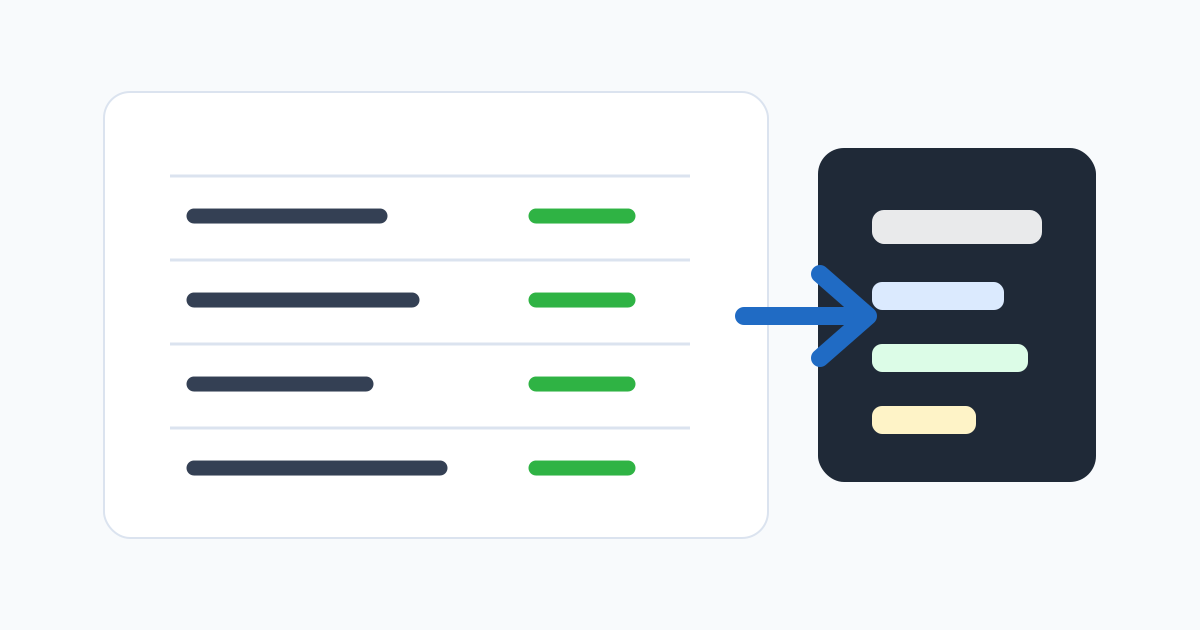
Payroll chaos often looks like a payroll problem, but the real issue starts earlier. Missing punches, late corrections, unclear overtime, schedule changes, and manager approvals pile up during the pay period. By the time payroll starts, the team is trying to reconstruct work history from memory, messages, and spreadsheets.
A payroll-ready timesheet workflow solves this by treating attendance review as an operating process, not a last-minute cleanup project. The goal is simple: when payroll begins, hours are already reviewed, exceptions are documented, and exports match the pay period.
This does not require a large HR department. Small teams can build the same discipline with clear rules and a repeatable checklist.
Separate raw punches from approved time
Raw punches are facts captured by the attendance system. Approved time is the business decision that those hours are ready for payroll. Confusing the two creates risk.
An employee may clock in late because of traffic, forget to clock out, or work extra time after a manager request. The raw record should preserve what happened. The approved record should show how the business resolved it.
This distinction matters because payroll needs confidence, not just data. A timesheet is payroll-ready only when exceptions have been reviewed and the final hours are approved by the right person.
Start review before the pay period ends
Waiting until payroll day makes every issue urgent. Managers may not remember why someone stayed late last Thursday. Employees may be unavailable to confirm a missing punch. Payroll may not know whether an exception is approved.
Instead, review attendance throughout the pay period. A lightweight rhythm works well:
- Daily: employees correct obvious missed punches.
- Twice weekly: managers review late arrivals, absences, and location exceptions.
- Before cutoff: managers approve timesheets for their teams.
- Payroll day: payroll exports approved hours, not raw unresolved data.
The cadence can be adjusted, but the principle is the same. Resolve attendance issues while they are still fresh.
Make missing punches visible
Missing punches are one of the most common reasons timesheets are delayed. A missing clock-out can distort total hours. A missing clock-in can hide late arrival. A missing break can affect compliance or payroll rules.
Your attendance workflow should surface missing punches automatically. Employees should be able to submit correction requests with a reason. Managers should be able to approve or reject those requests before payroll closes.
Avoid silent edits. If a time record changes, the system should show who changed it, when it changed, and why. That audit trail protects the employee, the manager, and payroll.
Review overtime before exporting
Overtime should not surprise the business at payroll close. If overtime is allowed, managers should see it during the pay period. If overtime requires approval, the approval should be visible before payroll.
The exact rules depend on your jurisdiction and company policy. Some teams calculate overtime daily, some weekly, and some by role or contract. The attendance workflow should not pretend those rules are simple if they are not.
Even when payroll software calculates final overtime, managers still need to review the operational reason. Was the employee asked to stay late? Was the schedule wrong? Did someone forget to clock out? Each scenario leads to a different management decision.
Align schedules, locations, and time records
A timesheet is easier to approve when it can be compared with the expected schedule. If an employee was assigned to work 9:00 to 17:00 at Location A, the attendance record should make deviations easy to see.
This is especially important for mobile teams. A GPS or geofence exception may not mean the employee did anything wrong. It may mean the schedule was changed, the job site was configured incorrectly, or the employee was assigned to a different location.
Payroll-ready workflows do not treat every exception as misconduct. They treat every exception as something to review and resolve.
Keep employee corrections structured
Correction requests should not live in random chat messages. A structured request should include the date, corrected time, reason, and any context the manager needs. If the employee forgot to clock out after a late customer visit, that context belongs with the correction.
Structured corrections reduce back-and-forth. They also help managers apply the attendance policy consistently. When payroll reviews the final timesheet, the reason for each adjustment is attached to the record.
Define the approval owner
Every timesheet needs an approval owner. In a small company, that may be the founder. In a larger team, it may be a department manager, site supervisor, or operations lead.
The approval owner should be close enough to the work to understand exceptions. Payroll should not have to decide whether a field employee really worked at a customer site or whether an overtime shift was authorized. Payroll should receive approved hours from the people who manage the work.
If multiple managers are involved, define the routing. A simple approval chain is better than an informal process where everyone assumes someone else reviewed the record.
Export only after approvals are complete
A payroll export should represent the approved state of the timesheet. If payroll exports too early, later corrections create rework. If payroll waits too long, employees may be paid late.
Set a cutoff time. Communicate it to managers. Use the attendance system to identify unapproved timesheets before the cutoff. If a manager misses approval, escalate the exception rather than silently exporting incomplete data.
The best payroll process is predictable. Managers know when review is due, employees know when corrections must be submitted, and payroll knows when the data is final.
The payroll-ready checklist
Before exporting attendance to payroll, confirm:
- All scheduled employees have complete punches or approved corrections.
- Late arrivals and absences have been reviewed.
- Overtime has been checked against policy.
- Location or Wi-Fi exceptions have a manager decision.
- Employee correction requests are approved or rejected.
- Timesheets are approved by the correct manager.
- The export matches the pay period and payroll format.
- Audit history is preserved for changed records.
Payroll-ready timesheets are not about perfection. They are about closing the gap between daily work and payroll decisions. When the workflow is clear, payroll stops being a scramble and becomes a review of records the team already trusts.
Related reading
Related posts
Monthly attendance close: pipeline, finalization, and reopening safely
How to run a monthly attendance close that locks the record without making corrections impossible — including the right way to reopen a finalized month.
Attendance software vs time clock apps: how to choose for a growing team
The two categories overlap, but they solve different problems. A practical breakdown of when a time clock app is enough and when you need full attendance software.
Buddy punching prevention: device risk without crossing the line
How to reduce buddy punching with proportionate device checks, location signals, and review patterns — without turning attendance into surveillance.