Attendance software vs time clock apps: how to choose for a growing team
The two categories overlap, but they solve different problems. A practical breakdown of when a time clock app is enough and when you need full attendance software.
They sound the same. They are not.
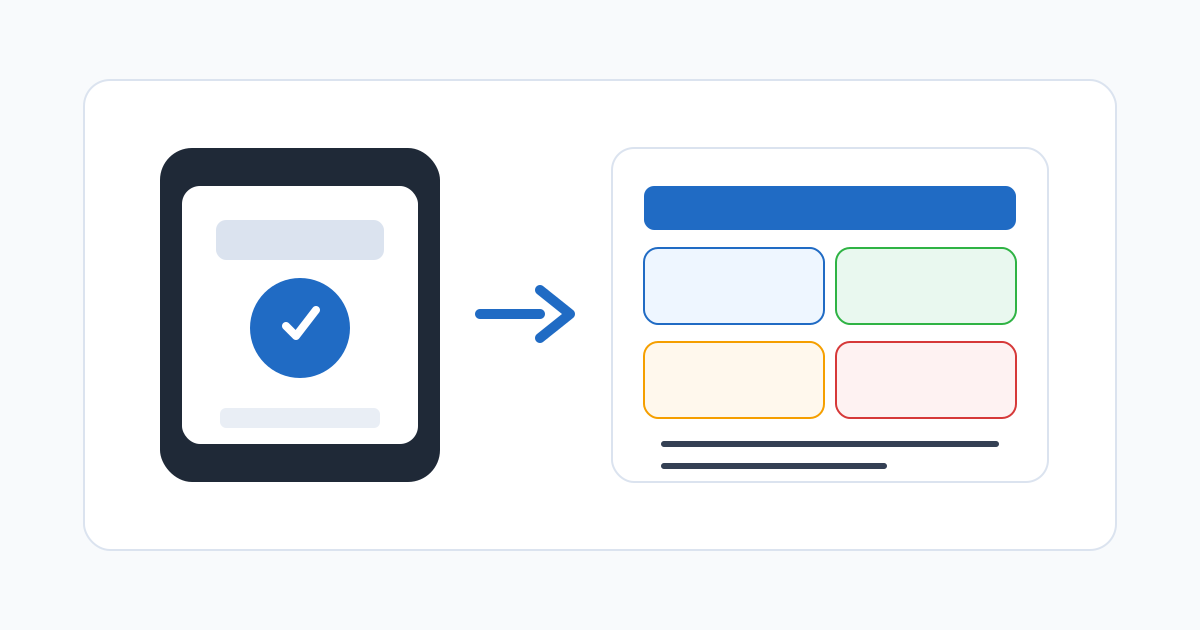
“Time clock app” and “attendance software” get used interchangeably, especially in marketing copy. In practice they describe different things. A time clock app is a narrow tool: it lets employees record start and end times, often from a phone. Attendance software is a broader operating layer: it captures time, but it also handles schedules, approvals, exceptions, location rules, audit trails, and payroll-ready exports.
For a small team in one place, a time clock app may be all you need. For a team that is growing, splitting across locations, or feeling payroll friction, the gap between the two categories starts to matter.
What a time clock app typically does
A focused time clock app usually covers:
- Clock-in and clock-out from a phone or shared device.
- A simple list of recent punches.
- A basic export, usually a CSV by employee and date.
- Some location capture at punch time (GPS coordinates, sometimes a geofence check).
- Limited corrections, often by editing rows directly.
This is enough to replace a paper sign-in sheet or a one-tab spreadsheet for a small, single-location team. It records time. The rest of the attendance workflow lives outside the app — in chat, in email, in another tool, or in someone’s head.
What attendance software typically adds
Full attendance software keeps the punch flow at the centre but builds the surrounding workflow into the same system:
- Schedules that the punch can be compared against, so deviations are meaningful.
- Manager approvals with timestamps and audit history.
- Structured correction requests instead of edited rows.
- Exception queues for missed punches, late arrivals, off-site locations, unapproved overtime.
- Location rules by site or role, including Wi-Fi, GPS, and geofencing.
- Multi-location and multi-team structures with regional rollups.
- Audit-friendly history that distinguishes the original punch from each correction.
- Payroll exports that match pay periods, departments, locations, and rate categories.
- Reporting on lateness, absenteeism, and overtime concentration.
This is not “more features for the sake of it”. It is the difference between recording time and operating attendance.
A short test: do you need the broader category?
Ask these questions about your team today, not the team you imagine in two years:
- Do multiple managers approve time?
- Do employees regularly need to correct missed punches?
- Are people working at more than one location, including customer sites?
- Does payroll need hours grouped by department, location, or rate category?
- Has anyone disputed pay in the last six months?
- Has a manager asked you for an attendance report you could not produce in a few clicks?
- Do you ever close payroll late because of attendance cleanup?
A yes to two or three of these is a strong signal that the time clock app is now the bottleneck rather than the solution.
Where time clock apps still win
Time clock apps are not a worse version of attendance software. They are a smaller version, and that smallness has real advantages for some teams:
- Setup is fast. A small team can be running in an afternoon.
- Training is trivial. “Tap this button when you start, tap it again when you finish.”
- Cost is low. Pricing is usually flat and predictable for a small headcount.
- The product cannot misconfigure itself. With fewer knobs, there are fewer ways for the rules to drift.
If your team is genuinely small, in one place, with one manager, and payroll is a five-minute job — a time clock app might be exactly the right choice. Adding heavier software at that stage often creates more work than it removes.
Where attendance software pays for itself
Attendance software earns its keep when the alternative is hidden human time. The recurring costs of a thin tool plus manual workflow tend to be:
- Hours per pay period chasing missing punches.
- Hours per month reconciling spreadsheets that should not exist.
- A few late payrolls a year, each with its own cost in trust.
- The occasional dispute that cannot be resolved cleanly because the record is partial.
- Multi-location coordination that lives in chat instead of in the system.
If those costs are real, the spend on attendance software is usually less than the cost of not having it.
Common evaluation mistakes
A few patterns produce regret:
- Buying the longest feature list. Attendance software is judged by the daily flow, not the feature checklist. A short, fast, opinionated tool beats a wide one that nobody can configure.
- Underestimating approvals. Many teams focus on the punch and ignore the approval workflow, which is where most of the operational savings actually come from.
- Forgetting payroll. A polished mobile experience is irrelevant if payroll still has to rebuild the timesheet in a spreadsheet.
- Skipping the pilot. A two-week pilot with one team surfaces every wrong assumption cheaply. A full rollout surfaces them expensively.
- Choosing a tool with no audit trail. Without history of who changed what and when, you do not have attendance software. You have a fancier spreadsheet.
What to do this week if you are mid-decision
Two practical steps cost almost nothing:
- Time the current process. For one pay period, log every minute spent on attendance cleanup, exception triage, and payroll reconciliation. Multiply by 12 or 24 to see the annual figure. The number is usually higher than expected.
- Sketch the workflow you want. Not the screens. The actual flow: who punches how, who approves what, where corrections go, what payroll receives. If a time clock app supports that flow end-to-end, it is enough. If it does not, attendance software is the cleaner choice.
The decision is rarely about features. It is about whether the tool fits the operating rhythm you want.
Related reading
Related posts
Monthly attendance close: pipeline, finalization, and reopening safely
How to run a monthly attendance close that locks the record without making corrections impossible — including the right way to reopen a finalized month.
Buddy punching prevention: device risk without crossing the line
How to reduce buddy punching with proportionate device checks, location signals, and review patterns — without turning attendance into surveillance.
Attendance analytics: the KPIs that actually change decisions
A short list of attendance KPIs worth measuring, what each one signals, and how to avoid dashboards that look impressive but go unread.