
Replacing attendance spreadsheets: a migration checklist for small teams
A step-by-step plan to move attendance off spreadsheets without losing history, breaking payroll, or scaring the team.
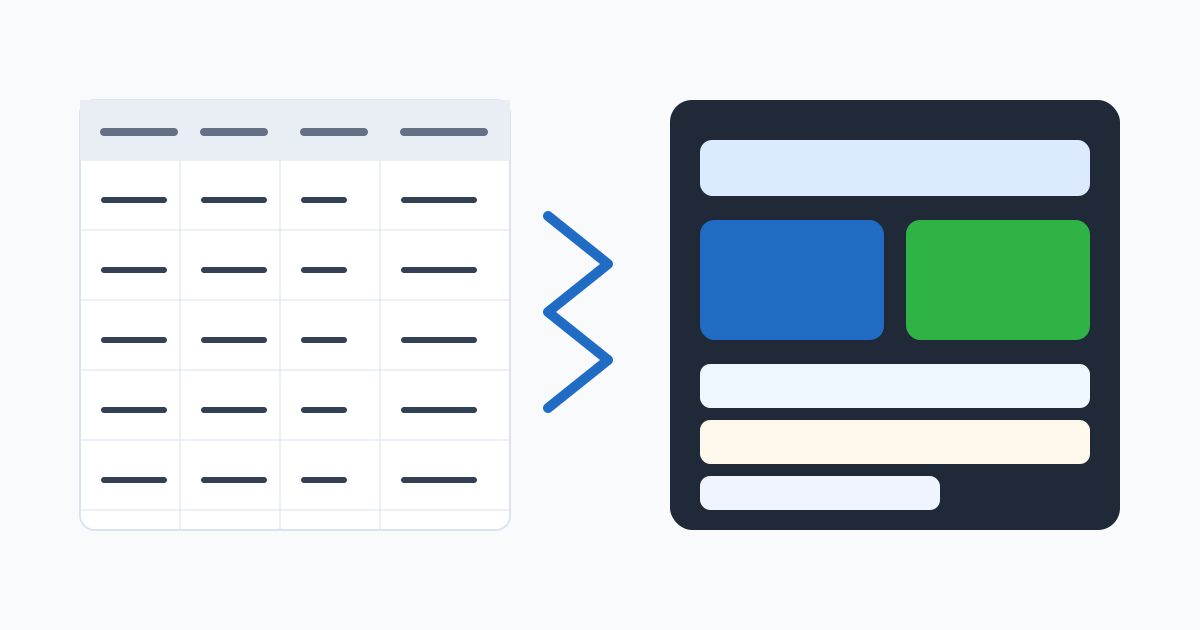
The migration is about the process, not the file
Most small teams do not have an attendance problem — they have a spreadsheet problem. A shared file works fine for a handful of people in one location. As soon as there are multiple managers, a second site, a field role, or a real payroll cutoff, the spreadsheet stops being the system of record and starts being the source of disagreements.
Replacing it is not a software project. It is an operating-process change. The tool is the easy part. The harder parts are deciding who approves what, how corrections are handled, and how payroll actually consumes the data. This checklist walks through the migration in the order that keeps the team functional throughout.
Step 1: Document what the spreadsheet is actually doing
Before importing anything, write down — on paper, in a doc, anywhere — what your current spreadsheet is responsible for. You will almost always find that it is doing more than tracking hours:
- Schedules and shifts.
- Raw hours per day.
- Corrections and notes.
- Overtime calculations.
- Leave and absences.
- Pay-period totals.
- Export rows for payroll.
A clear list of responsibilities tells you what the new system needs to cover and what stays in another tool. Without this list, you tend to either over-buy or under-configure.
Step 2: Clean the data before you move it
Bad data does not get better by being imported. Spend an afternoon on the existing spreadsheet:
- Employee names should be the names the new system will use. No “John (new)” or “Maria - kitchen”.
- Locations should be named consistently. “HQ”, “Main Office”, and “Office” cannot all be the same place.
- Pay rules and shift definitions should be written down somewhere outside the spreadsheet.
- Open corrections and disputes should be resolved before migration, not after.
The temptation is to migrate everything and clean later. In practice, the team will use the new system’s data immediately, and bad inputs will produce bad outputs from day one.
Step 3: Pick a pilot team and a pilot pay period
Do not migrate the whole company at once. Choose one team, ideally one with a clear manager and a representative work pattern, and run them on the new system for a complete pay period. The rest of the company keeps using the spreadsheet.
A pilot lets you find the wrong assumptions cheaply. The geofence is too tight. The schedule structure does not match how shifts are actually swapped. The payroll export is missing a column. Each of these is a five-minute fix during a pilot and a multi-day fire during a full rollout.
Step 4: Map every role to a clock-in method
Spreadsheets hide the question of how the time actually gets recorded. The new system makes it explicit. For every role, decide:
- Where will they punch from? Mobile, web, shared tablet?
- Is the location verified? With GPS, Wi-Fi, or geofencing?
- Who approves their time?
- What happens when they forget to punch?
If you cannot answer these for a role, the migration will surface every gap. Better to surface them on paper.
Step 5: Set up corrections before turning on the system
The single biggest source of post-migration pain is correction handling. In the spreadsheet world, corrections happen in chat or in person. In the new system, they need a route: who submits, who approves, what fields are required.
Decide this on day one. Then communicate it clearly: “From the start date, missing punches are corrected through the app, not through messages.” Without that rule, the team will keep doing it the old way and the new system will look broken when it is not.
Step 6: Run a parallel pay period
For at least one full pay period, run both systems in parallel — the new attendance system as the source of truth, and the spreadsheet as a safety net. Compare totals at the end. Investigate any difference greater than a few minutes per employee.
Two things happen during this period that are worth the effort:
- You catch silent miscalculations (a shift differential not applied, a break not deducted) before payroll is affected.
- Managers get one cycle to learn the approval workflow with the spreadsheet as a fallback.
After one clean parallel period, you can retire the spreadsheet for that team.
Step 7: Migrate history with intention
You usually do not need to import every row of historical attendance into the new system. What you need is to preserve the record. Two reasonable approaches:
- Archive the spreadsheet. Save the final state somewhere safe, with a clear “data through YYYY-MM-DD” label. The new system handles everything after that date.
- Import summarised totals. If you want continuous totals (year-to-date hours, accrued leave balances), import them as opening balances rather than raw rows.
Trying to recreate years of punches in the new system rarely pays off. It is brittle, it produces records the new system did not actually generate, and it complicates audit conversations.
Step 8: Update the policy at the same time
This is the step most teams skip. The attendance policy usually mentions the old way: “fill in the shared sheet by end of day Friday.” Once the new system is live, the policy should reflect how the new system works — clock-in method, correction request flow, approval timing, what location data is used.
A policy that contradicts the system is worse than no policy. It teaches the team to ignore both.
Step 9: Roll out the rest of the team in waves
After the pilot succeeds and the policy is updated, extend the rollout in waves rather than all at once. Each new team takes about a week of attention: configuration, training, one parallel period, and then full cutover. By the third or fourth wave, the playbook is muscle memory.
Resist the temptation to flip a switch for everyone on the first of the month. The savings are not real if payroll explodes.
Step 10: Decide what “done” looks like
The migration is done when:
- Every team is on the new system.
- Managers approve timesheets in the system, not in chat.
- Payroll exports come from the system, not from a re-keyed spreadsheet.
- Correction requests run through the workflow.
- The old spreadsheet is archived and read-only.
Until all five are true, the spreadsheet is still doing some of the work — and the value of the migration is muted.
Why this is worth doing
The spreadsheet feels free because it is. But the real cost is hidden: the cleanup time before each payroll, the disputes that cannot be resolved with a clean record, the manager hours spent reconstructing what happened, and the risk that lives in a file no one can audit. Replacing it removes those costs, not as a one-time win but as recurring time and trust the team gets back every pay period.
Related reading
Related posts
Monthly attendance close: pipeline, finalization, and reopening safely
How to run a monthly attendance close that locks the record without making corrections impossible — including the right way to reopen a finalized month.
Attendance software vs time clock apps: how to choose for a growing team
The two categories overlap, but they solve different problems. A practical breakdown of when a time clock app is enough and when you need full attendance software.
Buddy punching prevention: device risk without crossing the line
How to reduce buddy punching with proportionate device checks, location signals, and review patterns — without turning attendance into surveillance.