
Wi-Fi attendance validation: when office networks beat GPS
How approved Wi-Fi networks verify on-site presence for office, retail, and clinic teams, where they fit better than GPS, and where they fall short.
When Wi-Fi validation is the right control
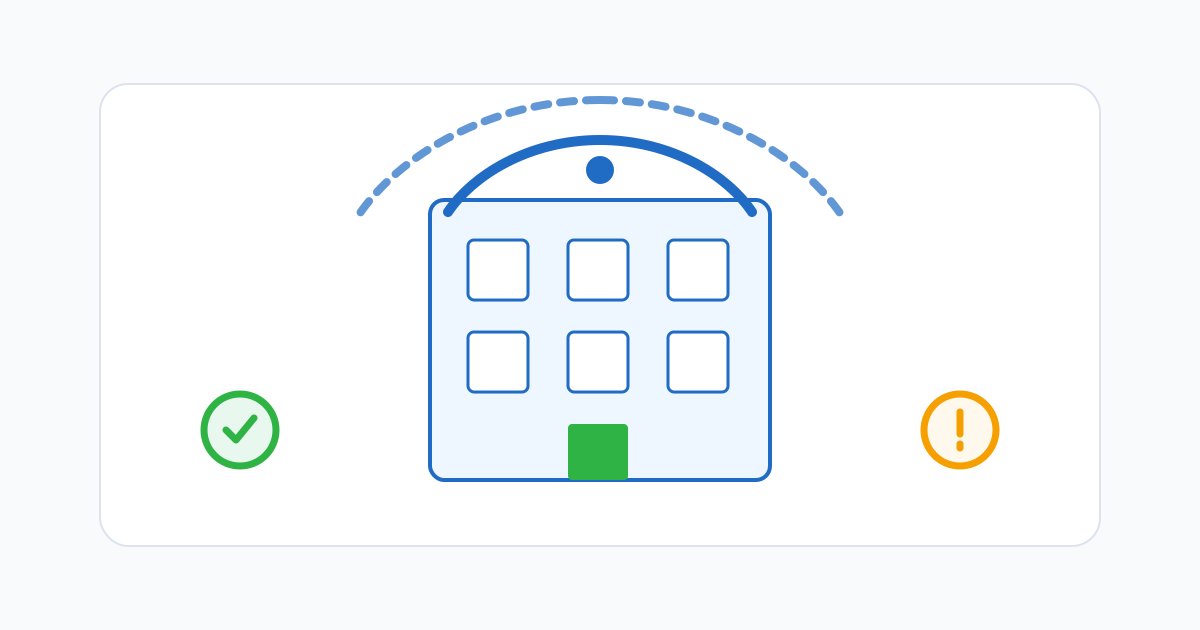
Wi-Fi attendance validation checks whether an employee’s device is connected to an approved network at the moment they punch in or out. For fixed workplaces — an office, a clinic, a restaurant, a retail store, a workshop — it is often a better fit than GPS. The signal is direct, the boundary is the building, and there is no battery cost from background location services.
For teams whose work happens mostly in one place, “are you on our Wi-Fi?” is a more honest question than “are your GPS coordinates within X metres of the pin we dropped on the map?” It also matches how employees already think about being at work.
How Wi-Fi validation actually works
The phone reports the network it is connected to — typically the SSID (the network name) or the BSSID (the access point’s hardware address). The attendance system compares that against a configured allowlist for the company or for a specific location. If it matches, the punch is treated as on-site. If not, the punch is flagged or routed for manager review.
Most platforms prefer BSSID matching because SSIDs are easy to spoof: anyone can name a personal hotspot “CompanyWiFi”. BSSIDs are tied to the physical access point, so they are much harder to fake. A serious implementation registers the BSSIDs of every access point in the building, not just one.
Where Wi-Fi beats GPS
A few patterns show up repeatedly:
- Indoors, where GPS is unreliable. Multi-storey offices, basements, warehouses with metal roofs, and clinics in dense city blocks all weaken GPS. Wi-Fi keeps working as long as the access point is reachable.
- Battery and privacy are concerns. Wi-Fi checks happen only at punch time and use no background location services. Employees do not have to grant continuous location permission, which removes a category of trust friction.
- The location is the whole point. If “on site” is what you actually want to verify, network presence is a cleaner signal than coordinates near a polygon.
Where Wi-Fi falls short
Wi-Fi is not a universal answer:
- Field, mobile, and distributed teams. Drivers, technicians, in-home care, on-site sales — these employees do not have a stable network to validate against. GPS or geofencing is the right tool.
- Customer locations. You usually do not control the Wi-Fi at a customer site, and you should not be storing customer BSSIDs as company truth.
- Shared buildings. Coworking spaces, mall food courts, and shared office towers can mean other tenants reach the same network gear or share an SSID. Pin to BSSIDs you control.
- Workarounds. A determined employee can connect to the office network from the parking lot or even from outside the building. Wi-Fi validates network presence, not physical occupancy of a desk.
Combine controls deliberately
The strongest setups treat Wi-Fi as the primary check for office teams and use GPS or geofencing as the fallback when employees work off-site. A reception desk team is on Wi-Fi every day. A field engineer is on GPS at customer sites. Both record their hours into the same payroll-ready timesheet.
Avoid forcing every role through the same control. Rules should vary by location, role, or team, otherwise the people who work differently end up fighting the system every shift.
Implementation checklist
Before turning Wi-Fi validation on for a team, confirm:
- You have collected the BSSIDs of every relevant access point in the building, not just one.
- Networks are reconfirmed when access points are replaced or firmware is updated.
- A clear exception path exists when the network is genuinely down or the device cannot connect.
- Employees know that the system checks network presence at punch time and does not monitor browsing.
- Wi-Fi rules are tied to a specific work location, not the whole company, so a visiting employee at another branch is reviewed correctly.
- Off-site punches are flagged for manager review, not silently approved or silently rejected.
A short employee-facing explanation
Plain-language rollout copy goes a long way. Something like: “When you clock in or out, the app checks whether you are connected to our office network. The check happens only at punch time. If you are off-site for an approved reason, your punch will still record and your manager will see the context.” Short, factual, and easier to defend than vague references to “location verification”.
Where this fits in your attendance design
Wi-Fi validation is one of several signals that make a timesheet trustworthy. Schedules tell you who was supposed to be working. Approvals show that hours have been reviewed. Audit trails capture corrections. Wi-Fi or geofencing tells you something about where. The combination — not any single control — is what makes attendance defensible at payroll close.
Related reading
Related posts
Monthly attendance close: pipeline, finalization, and reopening safely
How to run a monthly attendance close that locks the record without making corrections impossible — including the right way to reopen a finalized month.

Attendance software vs time clock apps: how to choose for a growing team
The two categories overlap, but they solve different problems. A practical breakdown of when a time clock app is enough and when you need full attendance software.
Buddy punching prevention: device risk without crossing the line
How to reduce buddy punching with proportionate device checks, location signals, and review patterns — without turning attendance into surveillance.