
Multi-location attendance: field teams, branches, and rotating schedules
Run attendance across branches, job sites, and field routes without losing visibility, fairness, or payroll-ready data.
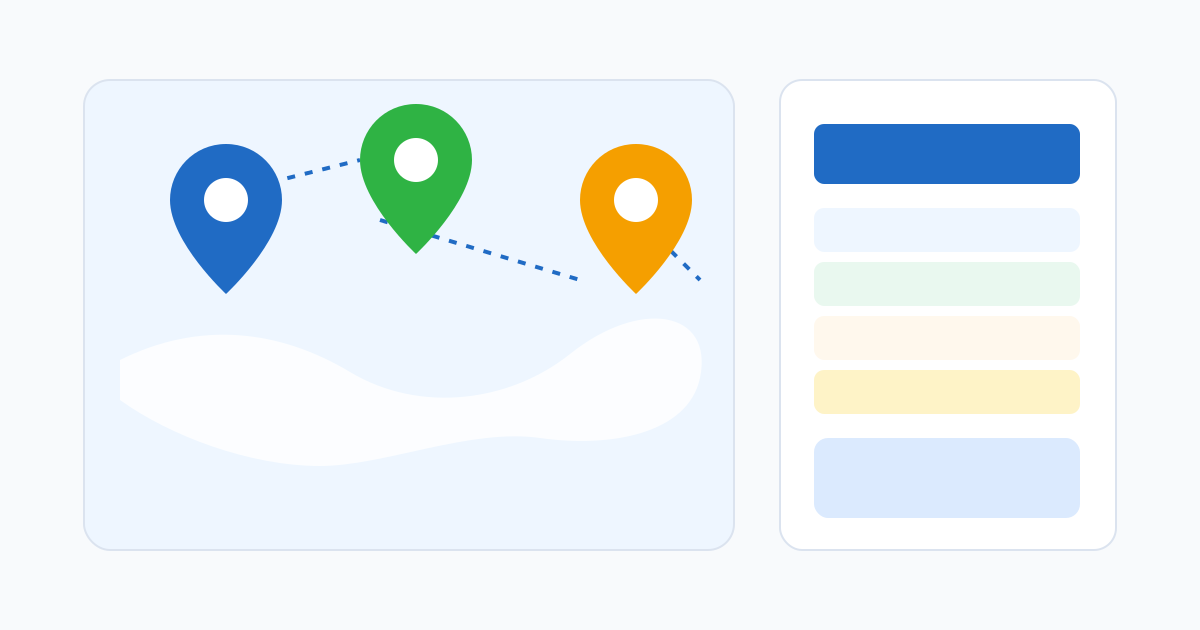
Multi-location attendance is a different problem
Single-location attendance is mostly a time problem. Multi-location attendance is a time problem and a place problem at the same time. The team is the same on paper, but the questions change: where did this punch happen, was that the right site for the shift, did the right manager review it, and which payroll bucket does it belong in?
If you treat a multi-location workforce like one site with more rows, you end up with a spreadsheet that quietly hides the wrong assignments, the wrong overtime, and the wrong approvals. Multi-location attendance needs structure from the start.
Model your locations the way the business actually runs
The first decision is what counts as a “location”. Not every site needs the same level of detail:
- Branches with a fixed address, opening hours, and a local manager are first-class locations. Each one gets its own geofence or approved Wi-Fi network.
- Customer sites visited by field teams can be configured as on-the-fly locations: a name, a coordinate, a tolerance. They are not staffed by a permanent manager.
- Routes for delivery, sales, or maintenance teams might not need geofences at all. The audit signal is more about timestamps and reported visits than a polygon.
- Project sites for construction, events, or temporary engagements should be created with a clear start and end date so they do not clutter the active list forever.
Mixing these into one undifferentiated list is what makes multi-location attendance feel chaotic. Give each one a model that matches how it really operates.
Vary the controls by role and location
A single attendance rule almost never fits a multi-location team. The office assistant at headquarters and the field technician driving between customers cannot reasonably punch the same way:
- Office staff at fixed sites are often best validated by approved Wi-Fi.
- Branch retail or restaurant teams are usually best with a geofence around the store and the parking area.
- Field, mobile, or rotating teams need GPS at punch time with flexible boundaries — and a clear flag-don’t-block policy when location drifts.
- Managers who roam between branches need permission to punch at any approved site, with the system recording where the punch actually happened.
Most platforms support role-based or location-based rules. Use them. The cost of not using them is the cost of constant exceptions.
Decide who reviews what
Multi-location attendance breaks down when “approval” is owned by no one in particular. A regional manager cannot meaningfully review every punch across ten branches. A branch manager often does not see field-team activity.
The cleanest pattern is:
- Local managers approve their own site’s timesheets, including late arrivals and local overtime.
- Regional managers see the rollup, intervene on outliers, and approve cross-site reassignments.
- HR or operations sees the aggregate, owns policy, and reviews recurring patterns.
Make the routing explicit in the system, not implicit in tribal knowledge. When approval ownership is clear, exceptions get handled where they happen.
Make schedule assignments the source of truth
In a multi-location team, the schedule does more work than people realise. It is the bridge between “who worked” and “where they were supposed to be”. When an attendance record can be compared against a scheduled location, an off-site exception means something. Without that comparison, every punch is just a coordinate.
This is especially important for rotating shifts. An employee scheduled at Branch A on Monday and Branch B on Tuesday should not have their Tuesday punch flagged as off-site because the system still thinks they belong at Branch A. The schedule must update the location expectation.
Give regional visibility without giving up local control
Regional visibility is what makes multi-location attendance worth the effort. Leaders should be able to see, at a glance:
- Which branches are closing payroll on time and which are not.
- Which locations have the most exceptions and what kind.
- Which employees are working across multiple sites and how often.
- Where overtime is concentrating, and whether it is a coverage problem or a scheduling problem.
This is also where dashboards stop being decoration and start being operating tools. A regional view that surfaces the top three issues this week is more useful than a wall of green numbers. Keep local approvals local; promote only the things a regional manager can act on.
Handle multi-site employees deliberately
Some employees genuinely work at multiple sites — relief staff, regional supervisors, multi-shop technicians. They are not exceptions; they are how the business runs. The attendance system should let them clock in at any approved site they are assigned to, attribute the hours to the correct location for payroll, and roll up cleanly under the right manager for approval.
A common failure pattern is to keep these employees attached to one “home” location even when they work somewhere else. Their hours end up in the wrong bucket, their on-site validation looks broken, and someone manually reassigns rows every pay period.
Keep payroll exports location-aware
Payroll for a multi-location business often needs hours grouped by branch, department, or cost centre. The export should reflect the location where the work actually happened, not just where the employee is “based”. This matters for budgeting, for franchise accounting, and for jurisdictional rules where overtime or premium pay varies by site.
If the export hides location, payroll has to rebuild it manually every pay period. That is the multi-location version of the spreadsheet trap.
Rolling out a multi-location attendance setup
Start small. Pick one branch and one field team. Configure their sites, their rules, and their approval routing. Run a parallel pay period. Listen to the local managers — they know where the geofences are wrong, where the Wi-Fi drops out, and which roles do not fit the default rules. Then extend the same pattern to the next branches.
A multi-location rollout that ships everything at once usually produces a wave of exceptions on payroll day, which is the worst possible time to discover that the setup is wrong.
Related reading
Related posts
Monthly attendance close: pipeline, finalization, and reopening safely
How to run a monthly attendance close that locks the record without making corrections impossible — including the right way to reopen a finalized month.
Attendance software vs time clock apps: how to choose for a growing team
The two categories overlap, but they solve different problems. A practical breakdown of when a time clock app is enough and when you need full attendance software.
Buddy punching prevention: device risk without crossing the line
How to reduce buddy punching with proportionate device checks, location signals, and review patterns — without turning attendance into surveillance.